How to Create Ice Text for Posters and Thumbnails
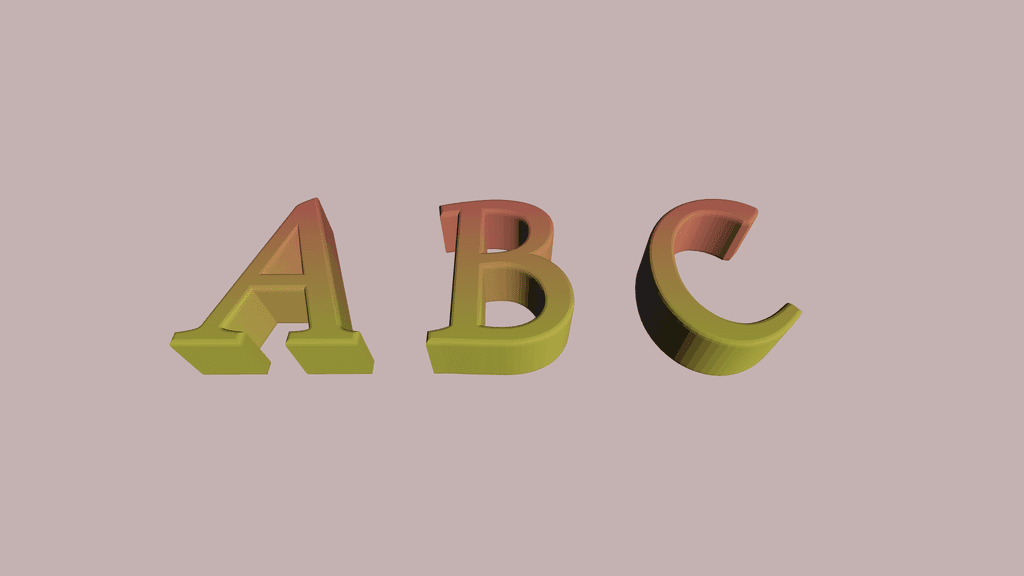
Ice text usually works best when the background is pale, the highlights stay bright, and the wording is short. That gives the letters enough contrast to feel cold instead of flat.
Recommended setup
Start with the Ice Text 3D Generator so the gradient, shadow, and background already match.
Use one to three words for the cleanest frozen effect.
Keep the palette in white, cyan, and light blue.
Export at a larger size if you plan to place the text on posters.
Where ice text performs well
This style fits winter event posters, gaming thumbnails, Christmas promos, and cold-themed social posts. It is also useful for seasonal product launches that need a clean frozen look.
For the fastest starting point, open the ice-frost style page and edit from there.